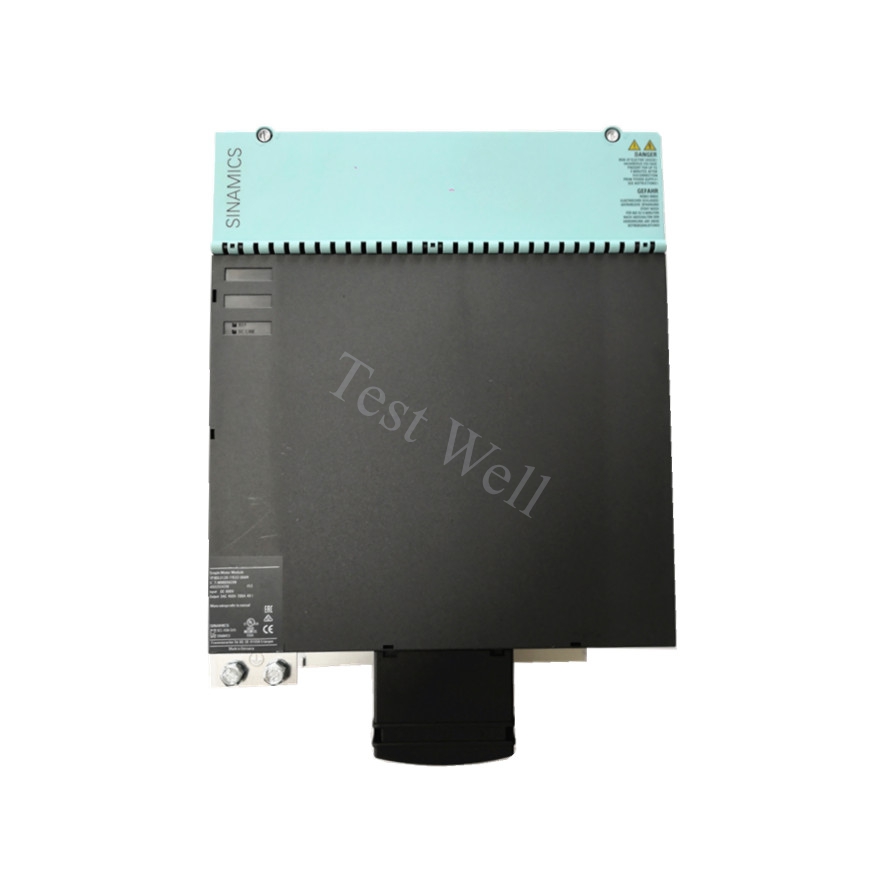
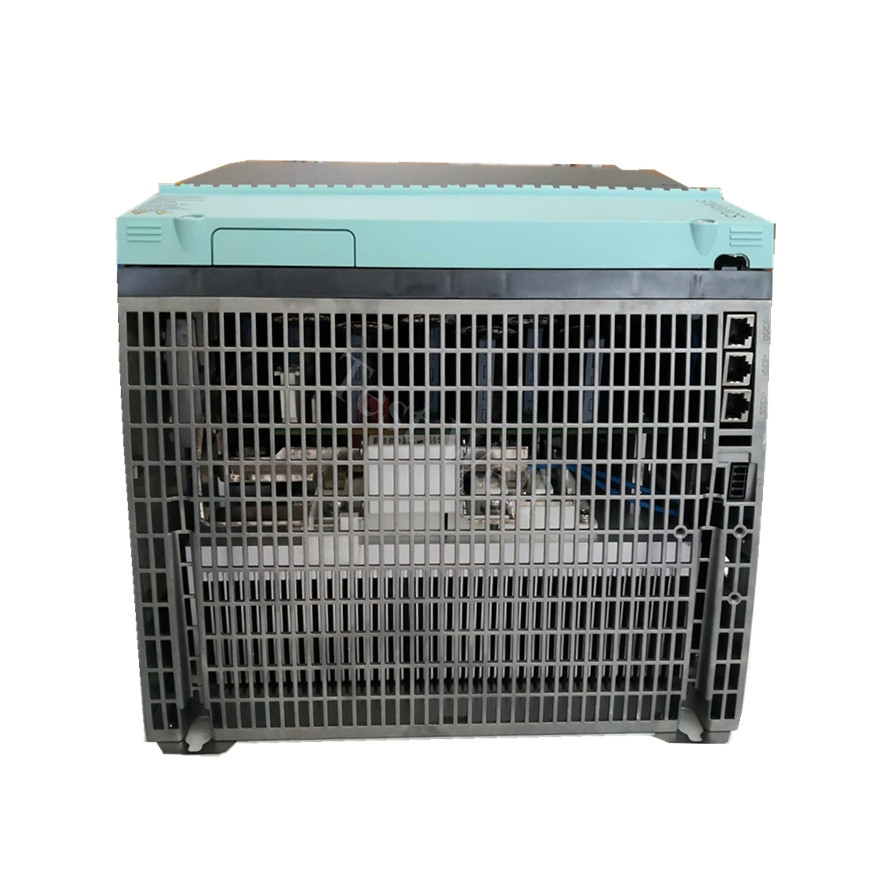
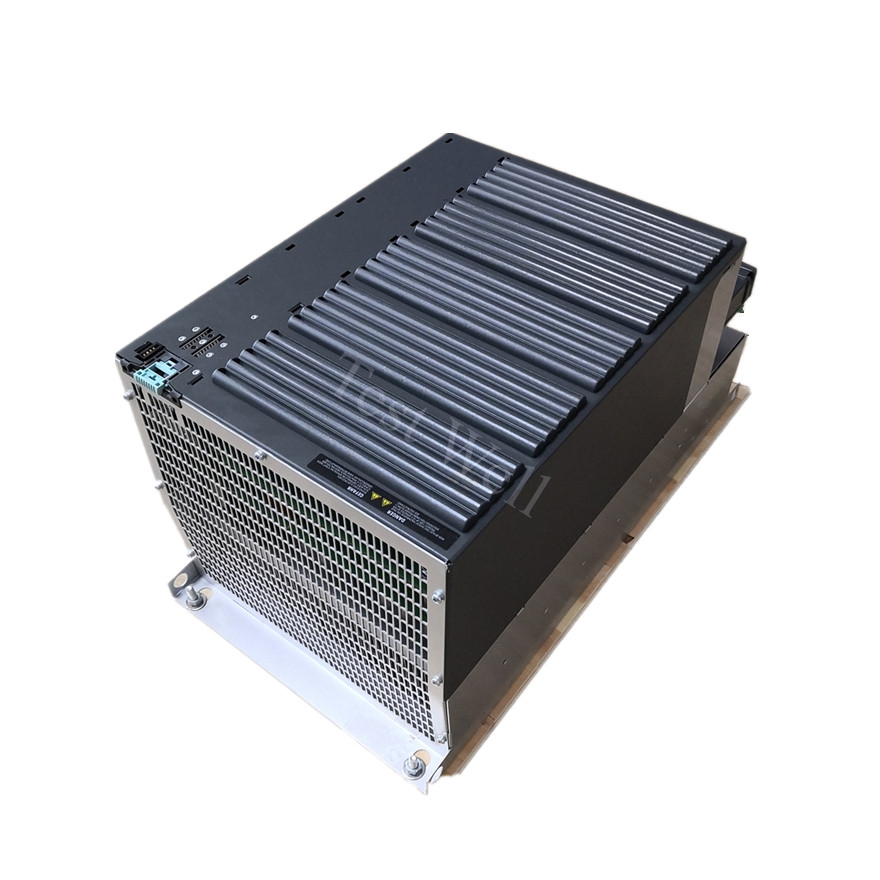
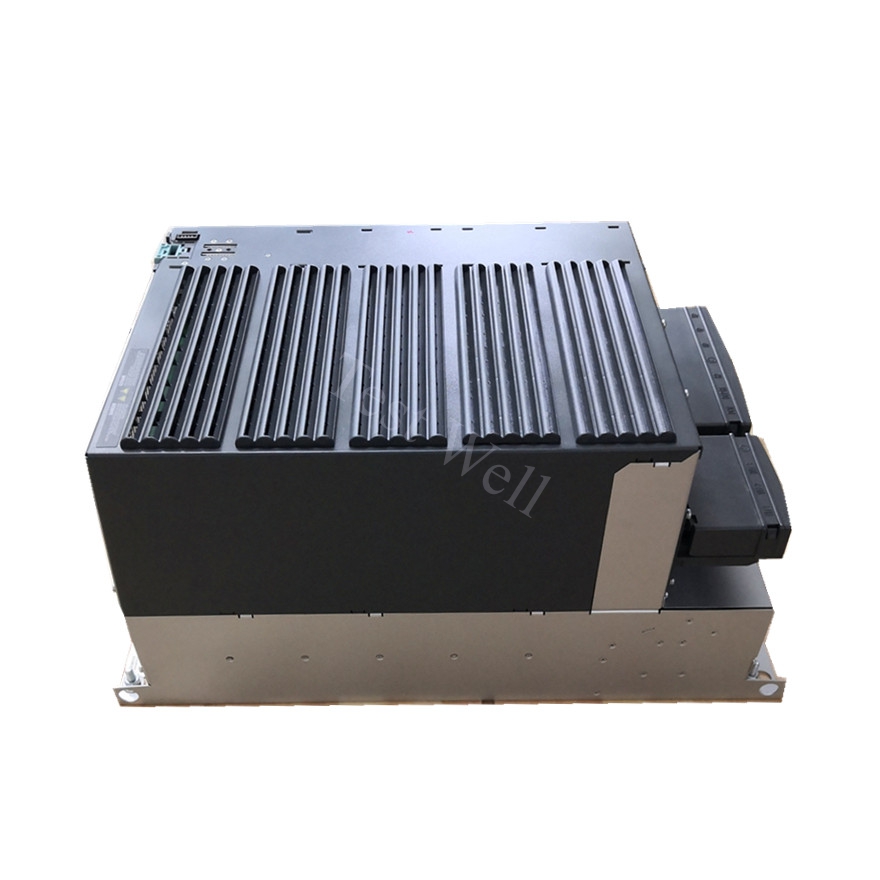
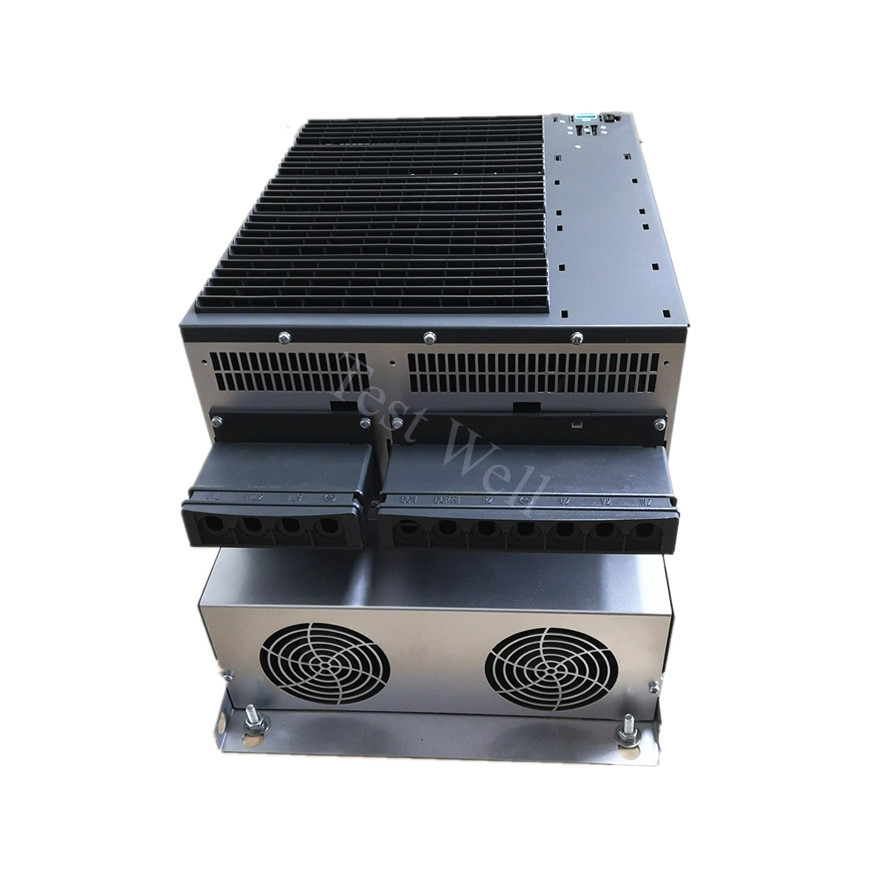
Siemens Drive Troubleshooting: Common Fault Codes, Repair & Maintenance Guide
Siemens drives (VFDs, variable frequency drives) are essential power control equipment for modern industrial automation. Widely adopted in pumps, fans, conveyor lines, CNC machines, packaging machinery, and process control systems, Siemens SINAMICS V20, G120, S120, and classic MM420/MM440 series drives are globally trusted for high energy efficiency, precise speed regulation, and outstanding operational stability.
During long-term continuous industrial operation, Siemens drives frequently encounter common issues including sudden shutdowns, overheating alarms, abnormal motor operation, communication failures, and parameter loss. Most unplanned production downtime results from misjudged fault codes, neglected minor alarms, irregular wiring, and insufficient daily maintenance, rather than inherent hardware defects. This comprehensive guide provides systematic fault classification, high-frequency error code troubleshooting, standardized repair procedures, and full-cycle maintenance strategies to help global maintenance engineers and factory owners quickly resolve Siemens drive faults and restore stable production.
A standard Siemens drive system consists of four core functional units: rectifier module, DC bus unit, IGBT inverter module, and control & cooling system. The rectifier converts AC power to stable DC power; the DC bus capacitor balances voltage fluctuations; the IGBT module converts DC power to adjustable AC power to control motor speed and torque; the cooling fan and heat sink ensure long-term stable operation of internal components.
All industrial faults of Siemens drives are divided into four core categories for precise and efficient troubleshooting:
[Internal Link Suggestion: Insert link to Original Siemens Drive Full Series Product Page]
Siemens drives adopt unified fault (F-code) and alarm (A-code) mechanisms for quick on-site diagnosis. Fault codes starting with F will force the drive to stop and require manual reset, while alarm codes starting with A allow continuous operation but need timely troubleshooting to avoid secondary failures.
Engineers can quickly locate fault sources through typical operating symptoms:
Combined with official Siemens industrial fault data and high-frequency on-site failures, we sort out the most common F/A codes, root causes, and standardized repair steps for mainstream V20, G120, S120 and MM4 series drives:
3.1 F0001 Overcurrent Fault (Most Common Industrial Fault)
Fault Manifestations: Drive trips instantly during power-on, startup or acceleration; motor hums and fails to rotate normally
Core Causes: Motor coil short circuit, ground fault, mechanical load jamming, excessively short acceleration time, and damaged internal IGBT module
Repair Steps: Disconnect the U/V/W motor cables for no-load testing to distinguish drive or motor faults; detect motor insulation with a megohmmeter to eliminate short circuits and leakage; extend acceleration time appropriately; clean mechanical jamming of loads such as fans and conveyors; replace burned IGBT modules if internal drive hardware is damaged.
3.2 F0002 DC Bus Overvoltage Fault
Fault Manifestations: Alarm and shutdown during motor deceleration or equipment braking; DC bus voltage exceeds the safe threshold
Core Causes: Excessively short deceleration time, regenerative energy accumulation, aging or mismatched braking resistors, and unstable high input voltage
Repair Steps: Extend deceleration time to reduce regenerative energy feedback; inspect and replace aging braking resistors; install voltage stabilizers for unstable power supply environments; enable braking unit functions for high-power and potential load equipment.
3.3 F0003 DC Bus Undervoltage Fault
Fault Manifestations: Drive fails to start or shuts down randomly; low DC bus voltage detected
Core Causes: Industrial power phase loss, low input voltage, aging DC bus capacitors, and loose power terminal wiring
Repair Steps: Detect three-phase input power to eliminate phase loss and undervoltage problems; fasten loose L1/L2/L3 power terminals; check DC bus capacitors for bulging and leakage; replace aging capacitors with insufficient capacity.
3.4 F0004 / A0504 Drive Overtemperature Fault
Fault Manifestations: Overheating alarm or shutdown; drive shell temperature is abnormally high
Core Causes: Dust-clogged heat sink, stuck or damaged cooling fan, blocked ventilation channels, and long-term operation above 40°C ambient temperature
Repair Steps: Power off the drive completely and clean heat sink fins and internal dust with dry compressed air; inspect and replace faulty cooling fans; remove surrounding heat sources and ventilation obstructions; avoid long-term full-load operation in high-temperature workshops.
3.5 F0070 / A0740 Communication & Firmware Fault
Fault Manifestations: Drive offline, failed data interaction with PLC and HMI, or firmware update interruption
Core Causes: Loose Profinet/DP cables, IP address conflict, firewall interception, and abnormal firmware upgrade progress
Repair Steps: Check and fasten communication cables and network ports; unify IP segment settings to avoid address conflicts; turn off unnecessary firewall restrictions; wait for firmware upgrade completion without power interruption; re-update official firmware if upgrade fails.
3.6 A0541 Motor Identification Abnormality Alarm
Fault Manifestations: Alarm during motor parameter identification; identification process fails to complete
Core Causes: Unremoved motor load during identification, incorrect motor parameter settings, and abnormal motor wiring
Repair Steps: Disconnect mechanical loads before motor identification; calibrate motor rated current, voltage and power parameters according to the nameplate; perform static identification for limited installation scenarios.
[Internal Link Suggestion: Insert link to Siemens Drive Spare Parts (Fan, Capacitor, IGBT Module)]
Follow this standardized troubleshooting process to avoid blind disassembly and misoperation, improving repair efficiency and reducing secondary damage:
Step 1: Fault Recording & Preliminary Classification Record fault codes, alarm phenomena, and operating scenarios; initially distinguish electrical, thermal, communication and load faults.
Step 2: Power-Off Visual Inspection Cut off total power and wait for capacitor discharge; check wiring looseness, cable damage, component burn marks, dust accumulation and fan operation status.
Step 3: Parameter & Hardware Detection Verify motor matching parameters; test DC bus voltage and insulation performance; confirm communication network stability.
Step 4: Trial Reset & Optimization Clear fault codes, restart the drive, optimize acceleration/deceleration parameters, and update firmware to eliminate minor system faults.
Step 5: Parts Replacement & Full-Load Test Replace aging or damaged accessories with original parts; reconfigure parameters and perform no-load and full-load operation tests to confirm fault elimination.
[Internal Link Suggestion: Insert link to Wholesale Original Siemens Drive & Accessories Page]
More than 80% of Siemens drive sudden faults are caused by neglected daily maintenance. Scientific and standardized maintenance can effectively extend VFD service life, stabilize operating performance, and reduce industrial downtime.
5.1 Daily Routine Inspection
5.2 Weekly Maintenance
5.3 Quarterly Deep Maintenance
5.4 Annual Professional Maintenance
5.5 Long-Term Storage & Idle Maintenance
For idle Siemens drives, store them in a dry, dust-free and corrosion-free environment. Power on and run the equipment for 15 to 20 minutes every month to prevent internal circuit dampness, capacitor failure and parameter loss.
Accurate fault classification is the core of efficient maintenance. The intuitive distinguishing standards are as follows:
Siemens Drive Fault Features
The drive displays clear F/A fault codes; the motor runs normally when directly connected to AC power; faults are related to overcurrent, overvoltage, overheating and communication errors.
Motor Mechanical & Electrical Fault Features
No obvious drive alarm codes; motor has persistent abnormal noise, jitter, overheating or jamming; faults still exist after replacing the drive.
Parameter Setting Fault Features
No hardware damage or circuit abnormality; equipment operates abnormally due to mismatched motor parameters, unreasonable acceleration/deceleration settings or incorrect network configuration.