Omron Servo Motor Troubleshooting: AL Alarm Codes, Step-by-Step Repair & Full Preventive Maintenance Guide
Omron AC servo systems cover three mainstream product lines widely deployed across global packaging machinery, robotic handling cells, CNC equipment, textile production lines.
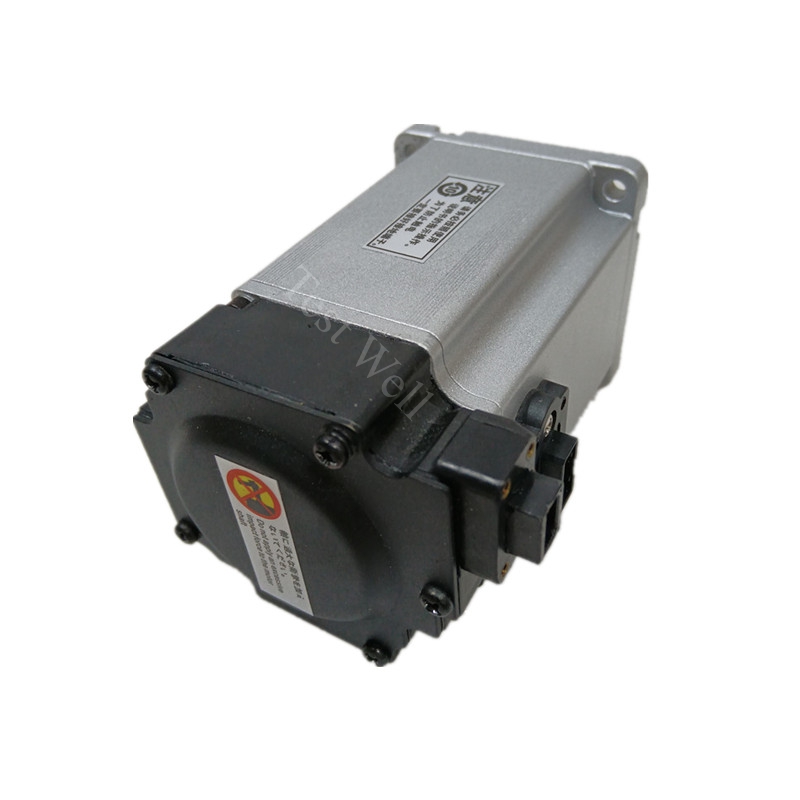
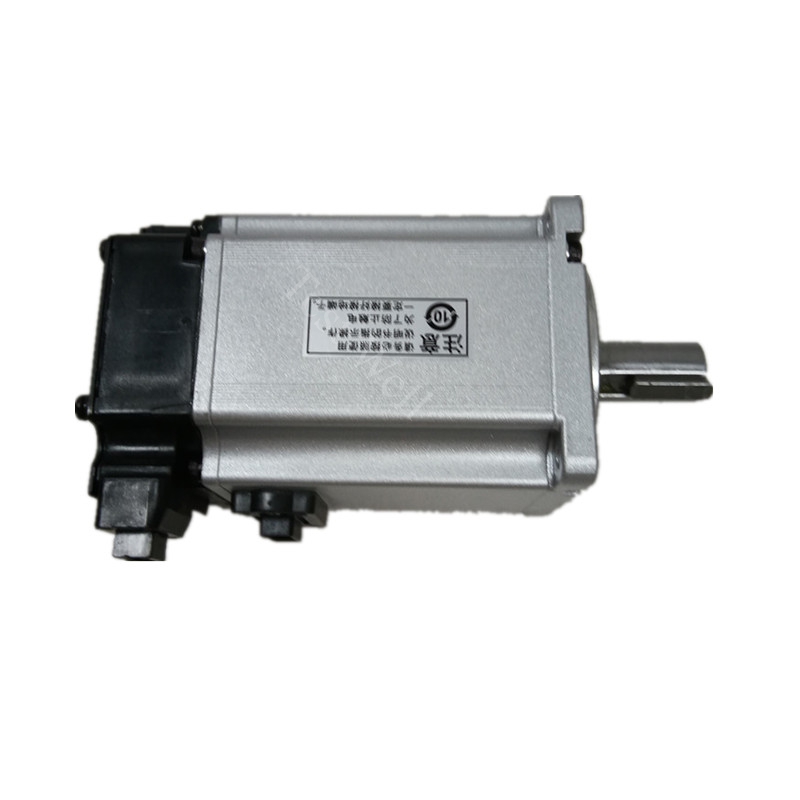
A complete Omron closed-loop servo control system consists of three core functional assemblies: servo motor mechanical body, rear-mounted absolute serial encoder unit, and matching R88D servo drive amplifier.
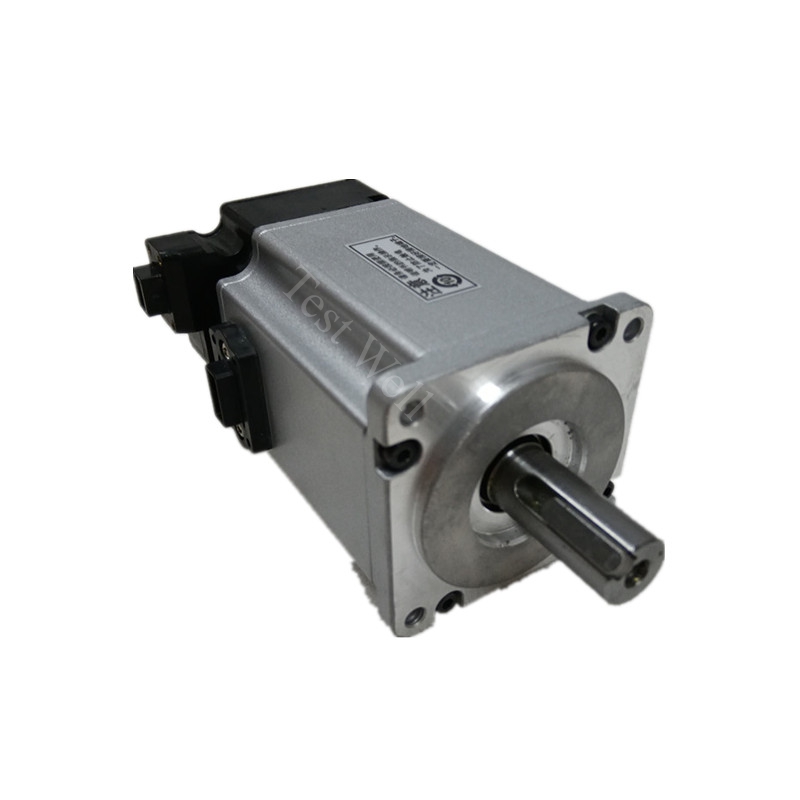
Servo Motor Mechanical Assembly: Composed of stator windings, rotor shaft, front/rear precision bearings, shaft oil seal, built-in thermal sensor, and optional electromagnetic holding brake. This assembly generates thermal overload, abnormal vibration, grinding noise, locked rotor, and brake failure mechanical faults.
All Omron servo motor related industrial faults fall into four clear categories for targeted troubleshooting:
Electrical & Thermal Overload Faults: AL14 overcurrent, AL15 drive overheat, AL16 motor overload, AL18 regeneration overload, DC bus overvoltage AL12, undervoltage AL11/AL13
Absolute Encoder & Battery Faults: AL21 encoder communication error, AL23 encoder data error, AL40 absolute encoder system down, a.930 low battery warning, random axis positioning drift after power cycling
Bearing & Transmission Mechanical Faults: Continuous metal grinding vibration noise, coupling concentricity offset, shaft seal cutting fluid leakage, ball screw jamming, excessive position deviation AL24
Wiring & Fieldbus Communication Faults: Emergency stop AL87, EtherCAT/MECHATROLINK cycle error AL86, loose UVW power terminals, EMI electromagnetic interference causing unstable position tracking.
Fast Preliminary Fault Diagnosis via Operating Symptoms & Drive AL-Series Alarm Codes
R88D-GT / R88D-KN servo drives display standardized two-digit AL alarm codes once protective shutdown activates. Maintenance technicians can classify fault sources instantly before disassembly without advanced testing instruments:
Typical Omron R88M Servo Motor Failure Manifestations:
Drive front panel shows AL16 alarm, motor housing heats rapidly after short production cycles → Sustained torque overload or mechanical axis binding.
Machine loses zero origin position after every full power shutdown, CX-Drive pops a.930 battery warning → Depleted absolute encoder backup lithium battery.
Axis stalls randomly during high-speed reciprocation, drive triggers AL21 encoder communication alarm → Damaged X6/X7 encoder cable or contaminated encoder optical grating.
Servo axis generates constant grinding vibration, inconsistent workpiece dimensional tolerance → Worn motor bearings or misaligned mechanical coupling
No fixed AL alarm code but unstable positioning accuracy, random machining offset → Poor cable shielding grounding or workshop EMI noise interference
Drive shows AL18 regeneration overload alarm during deceleration → Insufficient regenerative absorption without matched external braking resistor
Most Common Omron Servo Motor Related AL-Series Alarm Codes & Step-by-Step Repair Solutions
Combined with official Omron R88D-G5 / 1S series service manuals and high-frequency field workshop failure cases, we organize core alarm codes, root causes, and standardized operable repair steps for all mainstream R88M servo motor linesManualsLib.
3.1 AL16 Servo Motor Overload Alarm (Most Frequent Servo Fault)
Fault Manifestations: R88D drive red alarm LED illuminates, CX-Drive monitor shows continuous torque exceeding 115% rated value; axis automatically slows down or trips fault state after several minutes of continuous movement.
Root Causes:
Long-term operation exceeding motor continuous torque rating due to heavy payload, tight linear guides, or overloaded conveyor/cutting equipment.
Incorrect motor overload threshold parameter Pn520 set too low in drive configuration.
Incomplete motor stationary auto-identification during machine commissioning.
Excessively high position/speed loop gains triggering vibration-induced secondary overload trips.
Repair Steps:
Execute full lockout-tagout (LOTO), cut total machine main power and wait minimum 10 minutes for drive internal DC bus capacitors to fully discharge before inspection.
Disconnect mechanical coupling and run motor no-load rotation test; if AL16 alarm disappears, troubleshoot seized ball screws, tight linear guides, or overloaded workpieces.
Clear mechanical obstructions and apply high-temperature industrial lubricating grease to bearings, ball screws, and linear guide rails.
Adjust Pn520 overload protection threshold to match motor nameplate rated torque, and reduce position/speed loop gain values step-by-step via CX-Drive to eliminate vibration.
Optimize motion profile acceleration and deceleration time parameters to reduce sustained heavy torque cycles during production runs.
If overload alarm persists under no-load conditions, test motor internal winding insulation with a 500V megohmmeter and replace the servo motor if winding short/insulation breakdown is confirmed.
3.2 AL40 Absolute Encoder System Down & Low Battery Fault
Fault Manifestations: Drive displays AL40 absolute encoder system-down alarm on every machine power-up; all axis zero origin offsets reset after full shutdown, leading to inconsistent workpiece machining dimensions, CX-Drive shows a.930 battery warning.
Root Causes:
Absolute encoder dedicated 3.6V lithium backup battery reaches end-of-life (standard service life 12–24 months)
Loose battery holder wiring terminals inside the electrical control cabinet
Unstable 5V encoder supply voltage caused by damaged internal conductors inside the X6/X7 encoder cable
Repair Steps:
Keep the entire automation machine powered ON during battery hot swap to prevent permanent loss of axis origin coordinate offset data.
Remove the exhausted old battery and install a genuine Omron matching replacement lithium battery pack.
Tighten all battery holder wiring terminals and inspect the full length of the X6/X7 encoder cable for abrasion or open-circuit damage inside drag chains.
Complete full axis homing calibration after battery replacement, then back up all workpiece offset data and servo parameters via CX-Drive software immediately.
Clear AL40 alarm via drive front panel auxiliary function mode or CX-Drive alarm reset button.
Schedule quarterly battery voltage testing to avoid unplanned production stops from sudden position data loss.
3.3 AL21 X6/X7 Encoder Communication Disconnection Fault
Fault Manifestations: R88D drive triggers AL21 alarm, servo cannot complete homing, intermittent loss of position tracking during high-speed axis travelManualsLib.
Root Causes:
Damaged X6/X7 hybrid encoder cable from repeated drag-chain bending, cracked outer shielding, or broken internal signal conductors.
Loose, oxidized metal pins on X6/X7 encoder connectors at both motor rear housing and drive side.
Encoder optical grating contaminated with cutting fluid, metal powder, and workshop oil mist. Outdated drive firmware with known encoder communication compatibility bugs.
Repair Steps:
Power down the full automation system, unplug and re-seat X6/X7 encoder connectors on motor and drive sides; clean corroded pin terminals with isopropyl alcohol wipes.
Perform continuity testing on the X6/X7 encoder cable with a multimeter; replace genuine Omron shielded encoder cables if open/short circuits are detected.
Carefully disassemble the motor rear encoder cover and wipe the optical grating surface with lint-free dry cloth to remove oil and metal particulate contamination.
Upgrade R88D drive firmware to the latest official Omron compatible version to resolve built-in communication software defects.
Separate high-power UVW motor cables and low-signal X6/X7 encoder cables with a minimum 30cm spacing to eliminate EMI noise interference.
3.4 AL14 Overcurrent Fault
Fault Manifestations: Drive trips instantly after servo ON command, panel displays AL14 overcurrent protection triggered, internal IGBT current surge detected.
Root Causes:
UVW motor power cable phase-to-phase short circuit or ground leakage to metal cabinet
Motor internal stator winding short circuit or locked rotor mechanical jam
Damaged internal IGBT power modules on R88D drive main circuit board.
Repair Steps:
Power off the system, disconnect UVW motor power terminals completely and run drive no-load test; if AL14 disappears, fault locates on motor or power wiring.
Inspect all motor power cables for cracked insulation, replace double-shielded industrial power wires for damaged harnesses.
Test three-phase winding resistance balance and insulation resistance with megohmmeter; replace motor if winding short is detected.
If alarm remains under no-load drive operation, replace genuine Omron R88D drive main circuit board and IGBT modules.
3.5 AL18 Regeneration Overload Alarm
Fault Manifestations: Drive shows AL18 warning during deceleration or vertical axis descending movement; DC bus voltage surges repeatedly, risking secondary AL12 overvoltage tripsManualsLib.
Root Causes:
Fast deceleration generates excessive regenerative energy without matched external braking resistor
High-inertia loads (conveyors, cutting tables, vertical lifting axes) feeding excess voltage back to drive DC bus
Degraded built-in regenerative absorption circuit inside the R88D drive
Repair Steps:
Increase deceleration time parameter to slow regenerative energy feedback speed during axis stop cycles.
Install a genuine Omron matched external braking resistor at designated P/DB drive terminals for heavy inertial equipment.
Reduce frequent rapid start-stop production cycles to cut repeated regenerative voltage surges.
3.6 AL15 Drive Heatsink Overheat Fault
Fault Manifestations: Drive front panel shows AL15 overheat alarm; internal drive temperature rises sharply, triggering secondary AL16 overload trips over long runs.
Root Causes:
Servo drive cooling fan seized, worn fan bearings, or fan power wiring loose
Aluminum heat sink fins fully clogged with metal dust and workshop debris blocking heat dissipation
Cabinet ambient temperature exceeding 40°C with insufficient ventilation clearance around drive
Repair Steps:
Power off the servo system and wait for full component cooling; manually spin cooling fan blade to check for jamming or grinding noise.
Clean all drive heat sink fins and air intake channels with low-pressure dry compressed air to remove accumulated metal powder and sludge.
Replace genuine Omron matching cooling fan assembly if bearing wear or stall is confirmed.
Rearrange cabinet wiring layout to avoid blocking fan intake and exhaust airflow paths, maintain 10cm clearance around all drive sides.