By Jennifer Zhang
Mitsubishi's FX3U and FX5U controllers sit at the heart of thousands of packaging machines, small CNC retrofits, water treatment skids and assembly cells. The FX3U is the workhorse of the GX Developer era; the FX5U (MELSEC iQ-F) is its modern successor. Both are dependable, but neither is immune to the day the ERR LED lights up and production stops.
The good news: most FX-series errors are configuration, wiring or program faults that can be diagnosed and cleared in minutes. Please check our Mitsubishi PLC category for replacement CPUs, expansion modules and communication units that ship tested. This guide covers the most common error codes on both platforms, verified against Mitsubishi's own programming and self-diagnostic documentation.
On an FX3U, the active error code sits in special data registers D8060–D8067 (plus D8438 for serial communication), with matching special relays M8060–M8067 flagging each category. On an FX5U, the front display scrolls an "E" plus the code, and GX Works3's System Monitor lists every active and logged error with the step number where it occurred.
First diagnostic habit on either platform: note whether the CPU stops or continues running. Hardware and syntax errors stop the scan; I/O configuration and operation errors usually let the PLC keep running while logging.
Fault manifestations: The ERR LED flashes, the PLC keeps running, and D8060 holds a value such as 1020 — the first three digits are the head number of an unconnected I/O device, the last digit is 1 for input (X) or 0 for output (Y).
Root causes: The program addresses X020 or Y010 and beyond, but the corresponding extension unit is missing, unpowered or disconnected. A failed extension cable produces the same picture.
Repair steps: Check the extension connector seating and the 24 V supply to the extension unit. If the hardware is intact, add the missing unit or edit the program to drop the unconnected I/O references.
Fault manifestations: The CPU stops, ERR goes solid, and D8061 shows 6101 (memory access error) or 6102 (operation circuit error).
Root causes: 6101 points to a memory cassette mounting fault or internal memory failure. 6102 indicates an internal circuit fault, very often triggered by electrical noise rather than a genuinely dead CPU.
Repair steps: For 6101, reseat or remove the memory cassette and re-test; if the error persists without a cassette, the CPU needs replacement. For 6102, isolate the PLC and power it from a clean supply — if the ERR LED turns off, noise is the culprit: recheck grounding, reroute power lines, and fit a line noise filter. If the error survives a clean power feed, replace the CPU.
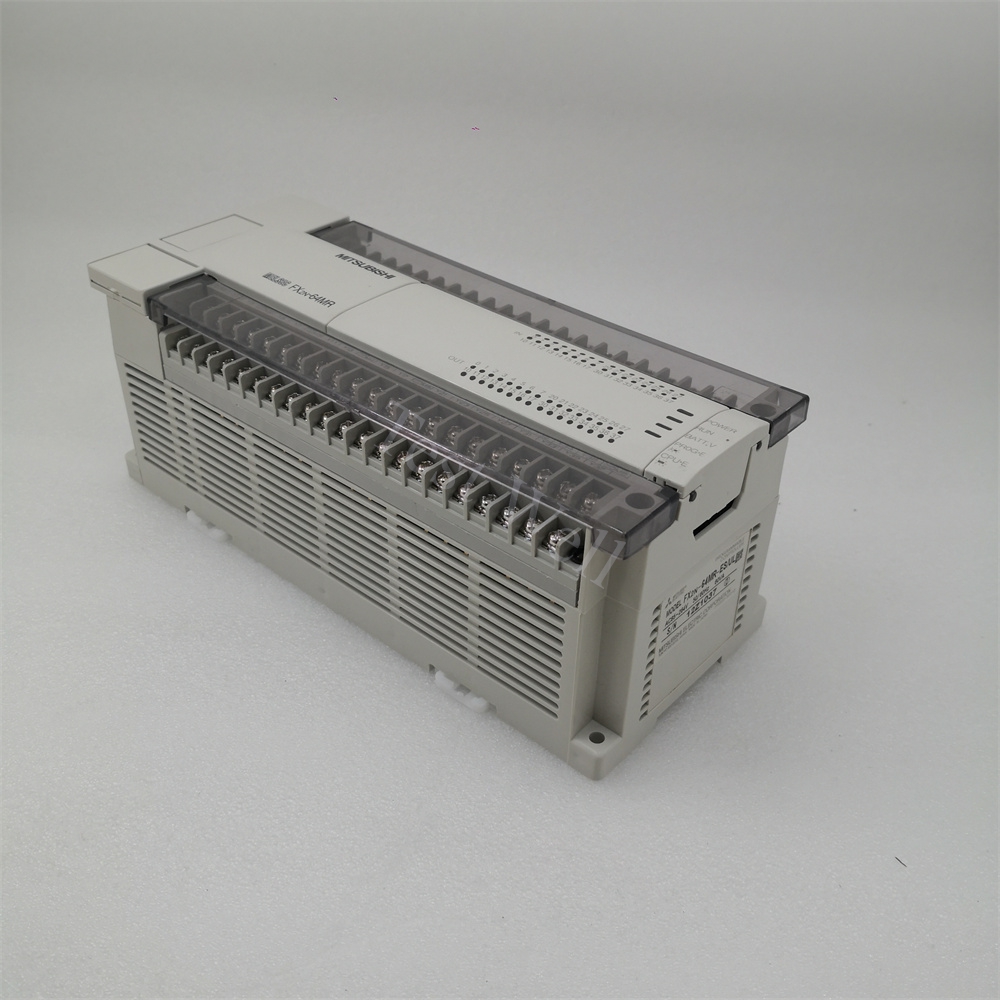
Fault manifestations: The CPU stops at power-up or download; D8065 holds a 65xx code, D8066 a 66xx code. These are program faults caught before execution.
Root causes: 6501 — invalid instruction/device combination; 6502 — missing OUT T/OUT C before the set value; 6504 — the same label (P) or interrupt input (I) used twice; 6505 — device number out of range. Circuit errors are structural: 6610 (nine or more consecutive LD/LDI), 6611/6612 (ANB/ORB count mismatched), 6613–6616 (MPS/MRD/MPP stack misuse), 6617 (STL, RET, MCR, FOR/NEXT and similar not connected to the bus line).
Repair steps: Compile in GX Developer and jump to the reported step, fix the rung, recompile and download again. If a 65xx/66xx code surfaces "spontaneously" on a program that ran clean for years, suspect a corrupted download or failing memory cassette and rewrite the full program.
Fault manifestations: The PLC keeps running but D8067 holds the code, and process behavior becomes intermittent — the most confusing class of FX3U faults.
Root causes: 6701 — CJ/CALL has no valid jump destination, or P63 (END) used as a CALL target. 6706 — an operand's device number or data value exceeds its limit, classically via an index register: "T500Z" is legal syntax, but if Z happens to hold 100 the program attempts to access T600, which does not exist. 6708 — a FROM/TO instruction referencing a buffer memory the counterpart module does not have, or a loose extension cable.
Repair steps: Monitor the index registers and operands at the reported step while the fault is active, and add range guards before indexed accesses. For 6708, verify the target module's buffer memory map and cable seating. When an expansion module repeatedly triggers 6708 with healthy LEDs, swapping it is the fastest proof — replacements such as the FX3U-4AD analog input unit and the FX3U-16CCL-M CC-Link master are stocked and tested.

Fault manifestations: The PLC continues running, but HMI or inverter traffic fails intermittently; D8438 logs the code.
Root causes: 3801 parity/overrun/framing error, 3802 character error, 3803 sum-check mismatch, 3804 format error, 3805 command error, 3806 time-out.
Repair steps: Confirm both ends agree on protocol, baud rate, parity and stop bits, then inspect cable routing and shielding — 3801 and 3802 are overwhelmingly wiring or noise faults. A 3806 time-out with correct parameters points to a marginal cable or a failing remote station.
Fault manifestations: The FX5U stops with ERR solid and the display shows E 2400, or a 22xx parameter code.
Root causes: 2400H — a module is unpowered, disconnected, or the physical arrangement no longer matches the project parameters. 2200H — the CPU cannot find the required parameter file; 2220H — parameter contents corrupted, often after an interrupted download; 2221H — a parameter outside its permitted range or a function unsupported by the current firmware.
Repair steps: Power down, reseat modules and extension cables, then compare the physical configuration with the GX Works3 project using Verify. For the 22xx family, write the complete parameter set plus program from a known-good project — never a partial download — and power-cycle. If 2400H returns with everything verified, isolate expansion modules one at a time; the failing unit announces itself. Replacements such as the FX5-CCL-MS CC-Link master swap in minutes.
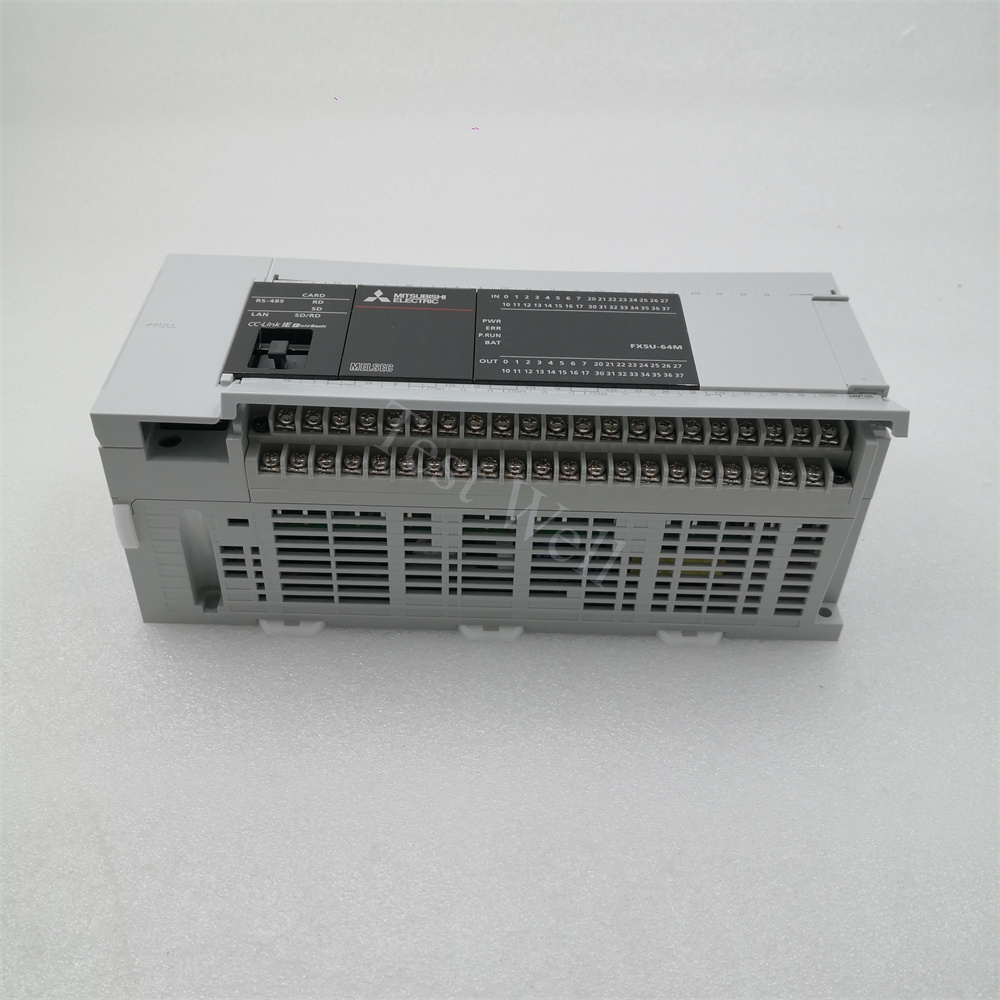
Fault manifestations: 2500H — the watchdog trips because a scan or interrupt exceeded its monitoring time. 3400H — an operation error such as division by zero. 3500H — a parameter outside its allowable range. 3401 — an instruction the firmware cannot decode.
Root causes: 2500H — runaway loops, heavy communications processing, or an interrupt routine longer than its interval. 3400H/3500H — unguarded arithmetic, uninitialized index registers, or bad data from field devices. Persistent 3401 on specific instructions has also been traced to CPU firmware defects corrected in later releases.
Repair steps: Open GX Works3 System Monitor and jump to the reported rung. Add a zero guard before every DIV, initialize index registers before use, and check interrupt routine length against its interval. If 3401 persists on a correctly written instruction, compare firmware versions between identical machines and update.
Fault manifestations: The instruction aborts and the error history shows a 2-series or a 3580 code.
Root causes: 2801 — the module number specified by U\ does not exist; 2820 — the device range is exceeded; 2823 — the buffer memory address plus transfer length exceeds the module's buffer memory area; 3580H — an instruction prohibited inside interrupt routines was used there.
Repair steps: Recheck the module number against the actual configuration, correct the FROM/TO transfer range, and move prohibited instructions out of interrupt programs. Re-verify parameters after any module swap.
- Backup first: upload the project, parameters and error history at every service visit. - Power quality: fit line filters, verify grounding and regulate 24 V supplies — noise drives most 6102, 3801 and phantom 2400H faults. - Firmware discipline: keep FX5U firmware consistent across identical machines; mixed versions cause "one machine only" errors. - Spares on the shelf: a tested CPU, an analog module and a network module cover the three most common failure modes. Our Mitsubishi PLC category lists tested units.
Q: Can I clear an FX3U 6101 error by resetting the CPU? Only if a memory cassette was badly seated. If 6101 returns on a clean power-up without the cassette, the internal memory hardware has failed and the unit must be replaced.
Q: The FX5U shows E 2400 but every module looks fine. What next? Re-verify the project against the PLC in GX Works3. A module swapped for a different model, or added without updating parameters, triggers 2400H even when the hardware is healthy.
Q: Do FX3U codes match FX5U codes? No. The numbering systems are entirely different, and identical numbers mean different things. Always match the code to the correct series manual before acting.
Q: My FX3U keeps logging 6706 but the program compiled cleanly. Why? Syntax checks cannot predict runtime values. An index register holding an out-of-range value at scan time is the classic trigger — monitor the register during the fault and add a guard condition.


